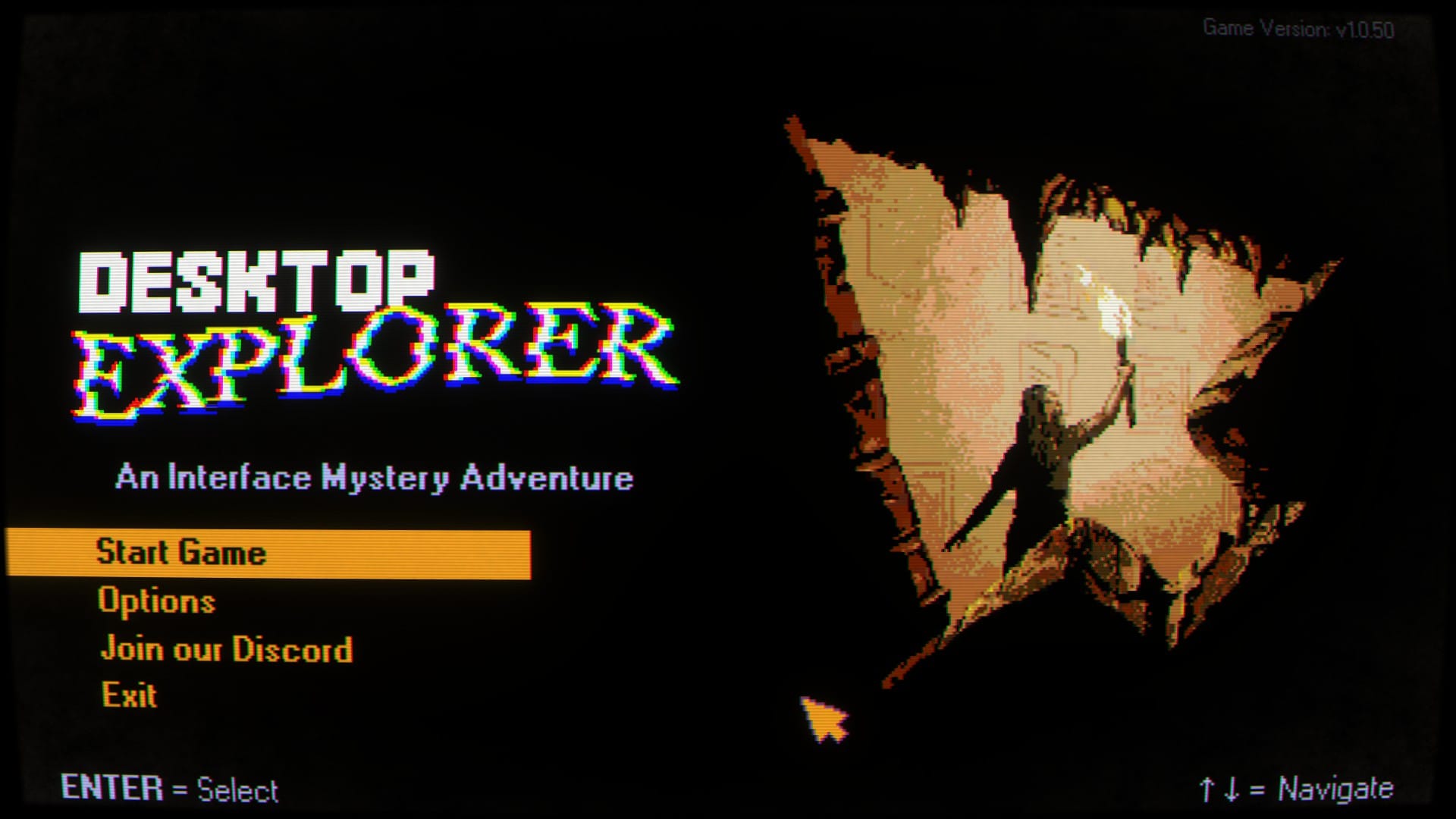

Verdict: worth it if you want a compact mystery that turns a Windows 95 desktop into a haunted puzzle box. Desktop Explorer costs $17.99 on Steam, runs on Windows PC and Mac, and gives you roughly 4–7 hours of strange files, old photos, and increasingly difficult computer chores. Buy it for the atmosphere and its best puzzles. Skip it if color-matching accessibility or perfectly signposted solutions is non-negotiable.
Released on July 17, 2026, Desktop Explorer comes from Recurring Dream, a Mexican-led studio based in Seattle. The team was formerly known as Crocodile Company. Indienova and Redmond, Wash.-based Outersloth co-published the game. At publication, Steam lists it as “Overwhelmingly Positive,” with 96% positive reviews across recent and all reviews.
1. The puzzles reward curiosity, then punish guessing
For its first hour, Desktop Explorer wears Windows 95 nostalgia like a thrift-store jacket. You sort files, rename them, compress them, and poke through familiar programs. The computer belongs to Guppy, a protagonist you never see directly, and the whole game stays inside her screenlife perspective. That limitation is the point. You are not exploring a mansion or interrogating suspects. You are opening someone else’s desktop and hoping the machine does not notice.
The story begins in August of 2012, when Guppy inherits a battered computer from her uncle Hal, who has entered the hospital for dementia treatment. Hal leaves a message explaining that the PC once belonged to someone he cared about who disappeared. He believed the machine still contained information about where she went. Guppy, more comfortable with computers than her uncle, takes over the investigation.
The central app, also called Desktop Explorer, arrives with a glitchy digital assistant. At first, it resembles a teaching tool for new PC users. Then the requests become less ordinary. You translate encoded messages, search cached browser files, edit application source code, duplicate files, and change the computer’s date to match a particular moment. That escalation is the game’s best trick. The same old interface that teaches you to rename a file eventually asks you to question what a file is doing there at all.
The trouble is consistency. Some puzzles give you exactly enough information to make the answer feel earned. Others demand an intuitive leap, a long stretch of random clicking, or knowledge of a function the game never explains. One late puzzle requires checking the browser history, despite the fact that the game never tells you how to access it and gives you no reason to expect that tool to matter. The in-game hints can help, but only if you know where to look.
- Best case: you notice a connection, test it, and feel briefly smarter than the haunted computer.
- Weak case: you brute-force the desktop until the correct button gives up.
- Reader decision: buy only if experimentation sounds like part of the fun.
2. The nostalgia is bait for a low-key psychological thriller
Desktop Explorer initially looks like a period piece about old software. That is the doorway, not the destination. Using another person’s computer feels uncomfortably intimate, as if you are crawling through their memory one folder at a time. Guppy’s photos are the only direct glimpse of her, while Hal’s messages and the missing person’s digital traces gradually turn routine computer maintenance into an investigation.
The assistant makes the machine feel watched. It knows more than it should, and the game keeps your attention fixed on a screen that should be harmless. Maybe the computer is haunted. Maybe the explanation is more human and more painful. The uncertainty stays effective because Desktop Explorer does not hurry to turn every strange detail into a loud scare.
There are genuine scares, but the intensity stays around the level of a PG-13 thriller. The mood grows more surreal as you approach the truth. The game’s other advantage is restraint. It does not bury its mystery under combat systems, sprawling maps, or collectible clutter. You spend your evening investigating one machine, which makes the better discoveries land harder.
If your reference points are Emily is Away or Her Story, the comparison is useful but incomplete. Desktop Explorer shares their screenlife presentation and interest in mediated conversation, then adds hands-on computer puzzles. That makes it a stronger fit for people who want to manipulate the evidence, not just read or watch it.
3. Accessibility is the deal-breaker for some players
Desktop Explorer includes color-based puzzles, but the reviewed version does not offer an option to adjust the palette. For a red-green color-blind player, that can turn a solvable task into a guessing exercise. The problem is not constant, and the game is not the worst offender in its category, but the affected sections arrive in a mystery built around interpreting visual information. That makes the omission difficult to ignore.
Check this limitation before you buy, especially if color distinction regularly affects how you play. The Steam listing identifies themes of depression, suicide, trauma, self-harm, and PTSD, along with mild depictions of gore. It also carries a photosensitivity warning for flashing effects. These subjects are part of the story’s psychological register, not incidental decoration, so players should use their own discretion.
- Red-green color blindness: the reviewed version has no palette adjustment.
- Photosensitivity: the developer and store listing flag flashing effects.
- Content: depression, suicide, trauma, self-harm, PTSD, and mild depictions of gore.
4. The short runtime makes the price easier to judge
At $17.99, Desktop Explorer is not asking for a 40-hour commitment. Its 4–7-hour length suits a focused weekend or a few late-night sessions, particularly if you enjoy finishing a mystery before its atmosphere evaporates. The compact scope also protects the game from its weaker puzzles. A frustrating sequence is a bruise, not a second job.
The value depends on your tolerance for uneven design. If every answer must be telegraphed, the price will feel high for a game that occasionally expects you to click through the desktop or make a leap without enough evidence. If you enjoy testing odd possibilities, checking old files, and following a clue that seems too small to matter, the same shortness becomes an advantage. You get the distinctive part without committing an entire month to it.
Choose it for one strange weekend, not as an all-purpose adventure game. The strongest audience sits where retro-computer enthusiasts, mystery fans, and screenlife players overlap. Skip it for now if you need robust color options, dislike brute-forcing, or want puzzles that always explain their logic after you solve them. For a gentler screenlife experience, Emily is Away is the safer comparison. For a more evidence-driven mystery, Her Story offers a different route into the format.
Desktop Explorer is a solid, narrow recommendation. Its Windows 95 surface gets you in the door, but the uneasy shift from file management to psychological thriller keeps the memory alive. Buy it at $17.99 if you have a few free evenings and can accept experimentation. Otherwise, skip it until its accessibility options improve or its price drops. Your time is the real purchase here, and the game is best when you know exactly what kind of evening you are buying.